
AI integration for small-office operations
Automation that cleans up work — without creating a new mess.
Humpf Tech helps Albany-area teams turn recurring intake, document, email, reporting, and handoff work into owned workflows with human checkpoints, clear documentation, and practical guardrails.
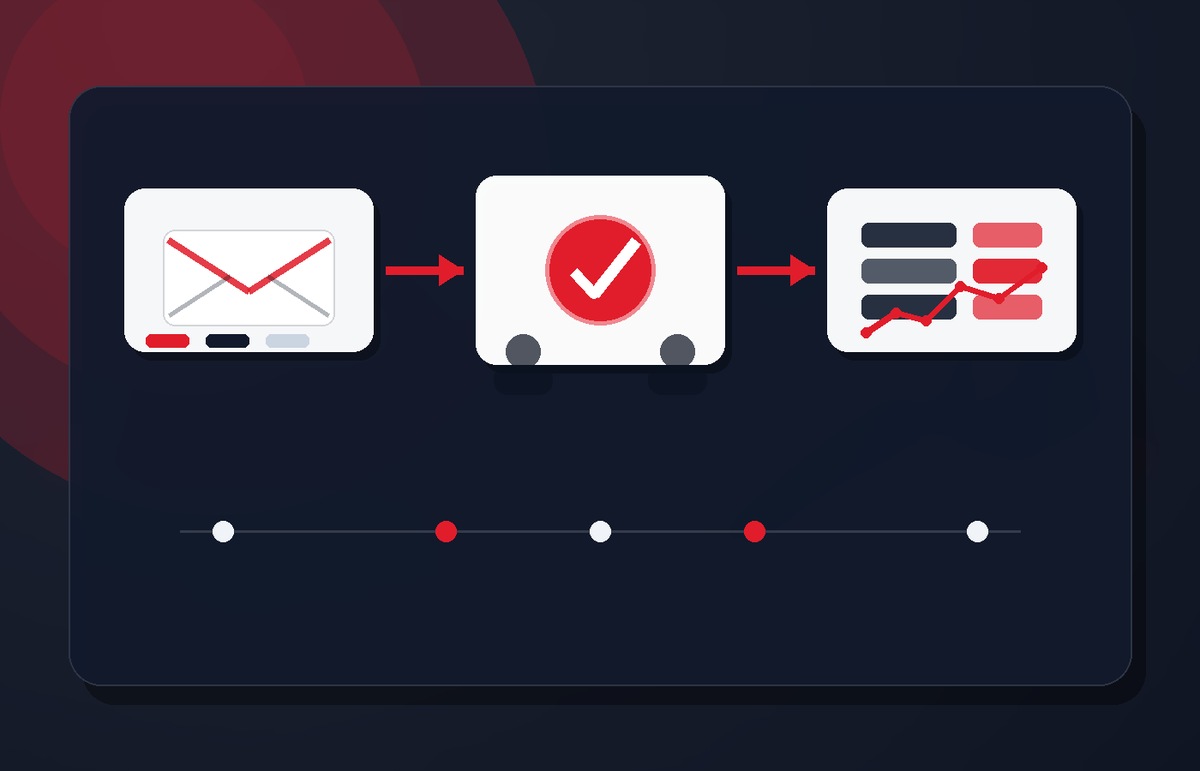
Where this helps
Target the repeat work that steals attention every week.
The best first AI projects are not giant transformations. They are boring, visible bottlenecks that happen often enough to justify a safer workflow.
Inbox triage
Route common requests, summarize context, and identify what needs a human reply.
Document intake
Pull the useful details out of forms, PDFs, notes, and attachments without losing review control.
Knowledge capture
Turn repeated answers, SOPs, meeting notes, and vendor context into something searchable.
Status reporting
Summarize work queues, open loops, and weekly updates from the systems people already use.
Handoff cleanup
Make owner, next step, due date, and missing information obvious before work stalls.
Internal assistants
Build narrowly scoped helpers for staff workflows instead of ungoverned prompt chaos.

The approach
Map the work. Add guardrails. Then automate the repeatable part.
AI only helps when it fits the real operating path. Humpf Tech looks at where information enters, who approves it, where it should land, and what should happen when the automation is wrong or uncertain.
Good fit
You have repeat work people keep doing by hand.
Best for teams with messy intake, documents, email handoffs, internal reporting, knowledge gaps, or admin work that repeats every week.
Not a fit
“Add AI” with no process owner.
If nobody owns the source data, approvals, exceptions, or follow-through, automation just makes the mess move faster.
How it starts
A small, safe automation path.
Pick one bottleneck
Choose a repeated workflow with clear inputs and a real owner.
Define the guardrails
Set review points, permissions, fallback behavior, and success criteria.
Ship and adjust
Start small, measure usefulness, document the workflow, and improve it over time.
Start with one workflow