
Construction IT support for office, trailer, and field teams
Keep the job moving when the tech gets messy.
Humpf Tech helps Albany-area construction teams clean up Microsoft 365, jobsite Wi‑Fi, field devices, file access, vendor handoffs, and backup/security basics so office and field work do not grind to a halt.

What this fixes
Construction IT fails when nobody owns the handoff between office, jobsite, vendor, and device.
The goal is not more tools. It is a clean view of who has access, what each crew depends on, where files live, and which vendor or device keeps creating delays.
Field devices
Phones, tablets, laptops, shared devices, lost equipment, sign-ins, and handoffs when crews change.
Plans and files
Microsoft 365, permissions, project folders, photos, drawings, version confusion, and mobile access.
Trailer connectivity
Temporary internet, Wi‑Fi coverage, printers, scanners, cameras, and jobsite equipment that needs to work.
Vendor loops
Internet, phones, line-of-business software, copiers, cameras, and support tickets that bounce around.
Access cleanup
Former employees, subcontractors, shared passwords, admin roles, risky sharing, and MFA basics.
Recovery readiness
Backups, key accounts, project data, device replacement, and a practical restart path when something breaks.
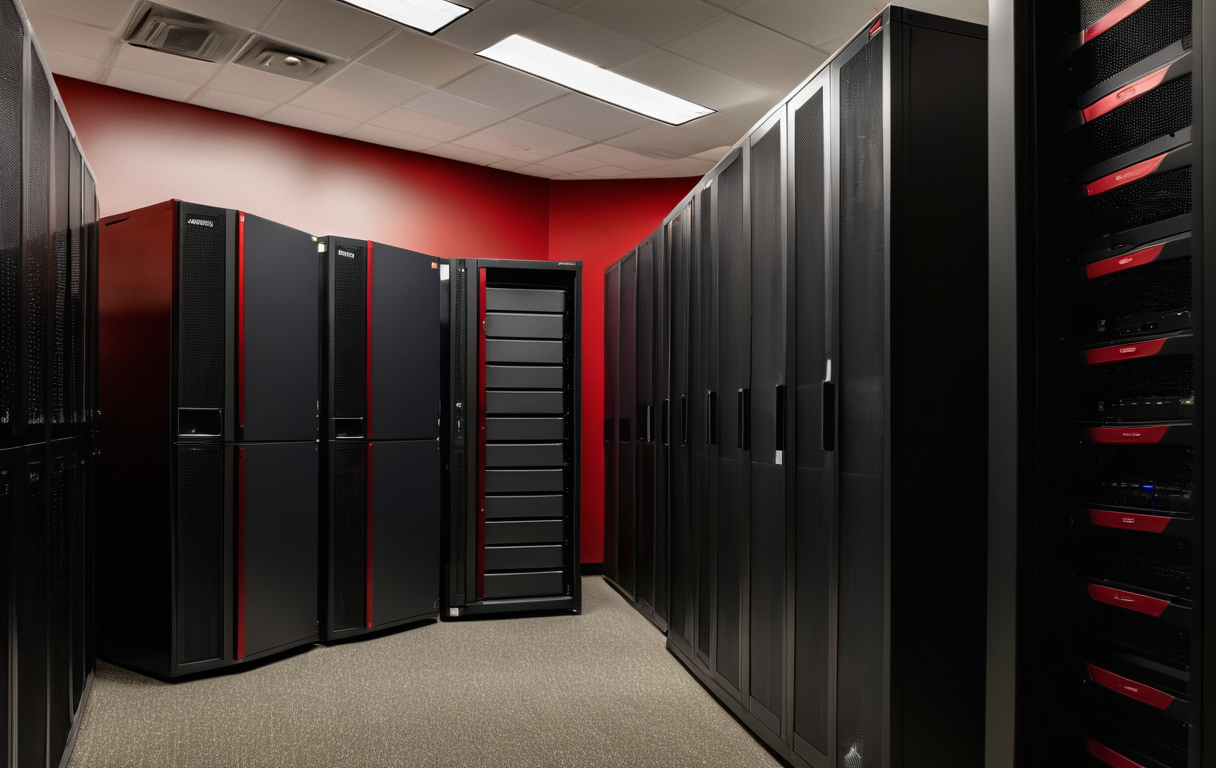
The approach
Map the moving pieces before throwing more software at the problem.
Construction teams usually have a mix of office systems, project tools, jobsite gear, personal phones, vendor portals, and old accounts. Humpf Tech helps turn that mess into an owned support rhythm.
Good fit
Small construction firms where the owner, office manager, or project lead is tired of being the accidental IT department.
Best for companies that need practical ownership around Microsoft 365, devices, jobsite connectivity, backups, security basics, and vendor coordination.
Not a fit
Enterprise theater or one-off app shopping.
If the goal is a huge MSP stack, fake dashboards, or buying another tool without cleaning up access and ownership first, this is probably the wrong lane.
How it starts
A practical cleanup path for office and field technology.
Walk the environment
Office systems, jobsite needs, devices, files, vendors, access, backups, and the recurring “why is this broken?” list.
Fix the riskiest basics
MFA, admin roles, shared passwords, file access, device handoffs, backup confidence, and vendor escalation paths.
Set the support rhythm
Document what changed, what still needs work, and how support should happen before the next jobsite fire drill.
Start here